The Product:
BellCafe is an app for the restaurant from which users can easily Reserve a table and order food in advance.
Project duration:
May 2021 - July 2021
The Problem:
Most of the time people don’t get the table on weekend easily, they have to wait or compromise their favorite restaurant.
The Goal:
Minimize the waiting time of getting the table and placing the order.
My role:
UX Designer, UX Researcher, UX Writer, Visual Designer
Responsibilities:
1. Brainstorming,
2. Conducting interviews,
3. Understanding User,
4. Paper and digital wireframing,
5. Low and high-fidelity prototyping,
6. Conducting usability studies,
7. Accounting for accessibility,
8. Iterating the designs.
Understanding the user
User research: Summary
I did the survey research to know my users after that I conducted interviews via Video Call to know the pain points people experience during the process from getting the table to waiting for the bill. I then created empathy maps based on the interview to better understand users pain points. The primary user of BellCafe is everyone who go out on weekends with family and friends.
The research revealed that on weekends, restaurants are overcrowded and that makes people wait for table and if they get a table it takes hours to place and get the order served. Sometimes they decide to compromise their favorite restaurant to somewhere else where it is less crowded.
User research: pain points
Persona: Vishitha Verma
Problem statement:
Vishitha is a teacher who needs to book the table and order food before reaching the restaurant. Because on weekends she rarely gets a table and has to wait a lot for her order.

User journey map
User Journey Map shows that how easy the app is to reserve a table and order food. It shows all the emotions the user is feeling during the tasks.

Competitive Audit


Starting the design
Paper wireframes
Drafting paper wireframes give a better understanding of how the product will look without spending much time. It clears the vision by transferring ideas from imagination to paper.

Digital wireframes
Home Screen
There is two option in header right side is the location to locate the restaurant and get the correct route. The left side is for the account where the user can edit the profile, see last order information, edit payment details and go to the help center.

Product Screen
Users can customize the dish. There are options to buy now or add to the cart and continue to add other products.


Usability study
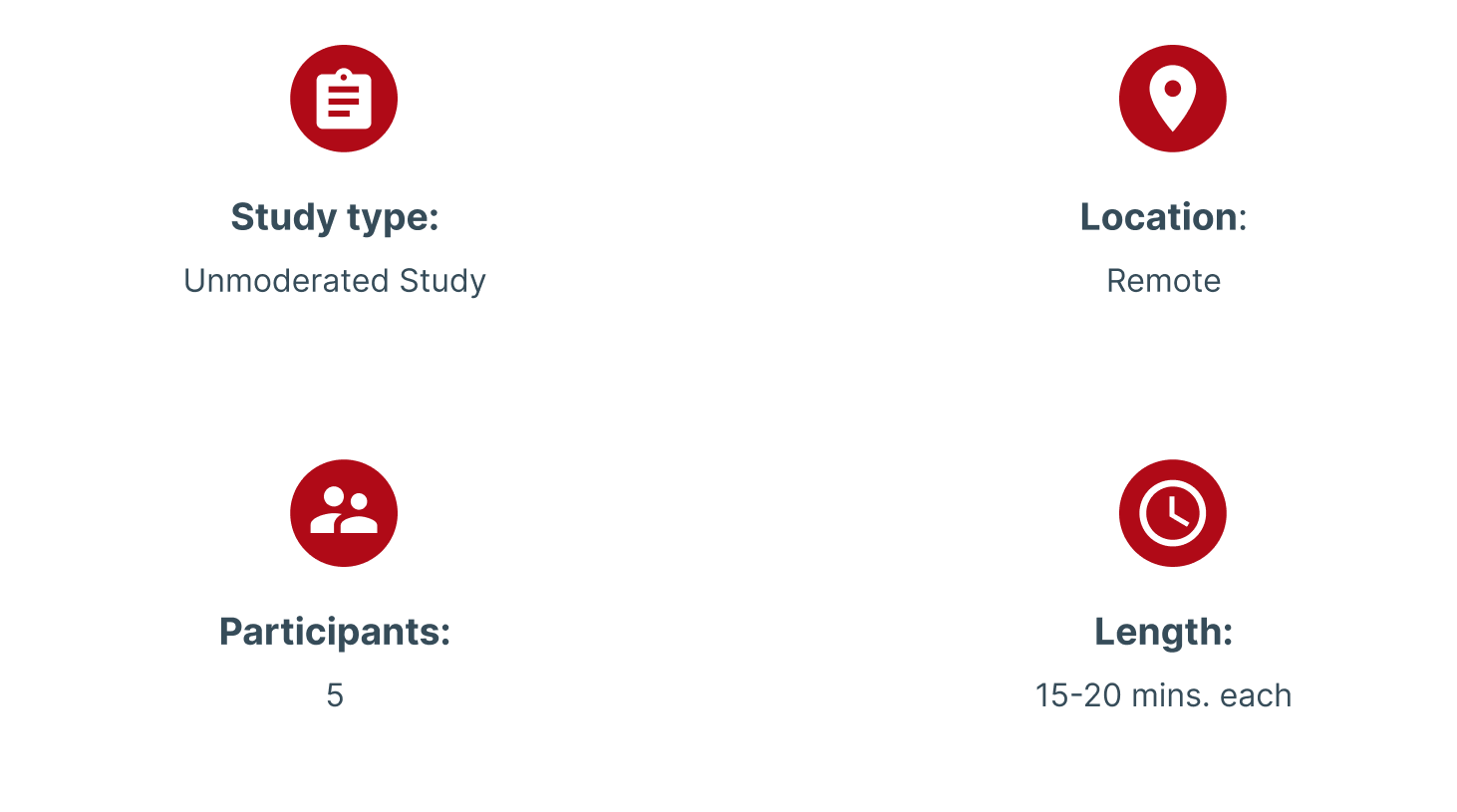
Parameters:
Usability study: Findings
Insights identified based on themes

Refining the design
Mockups
Home Screen
I have replaced the help icon with the location so that users can easily locate the restaurant without any trouble. Help is now moved in the account section

Payment Screen
I have added Pay at Restaurant Option which was not available before.

Mockups


Usability study
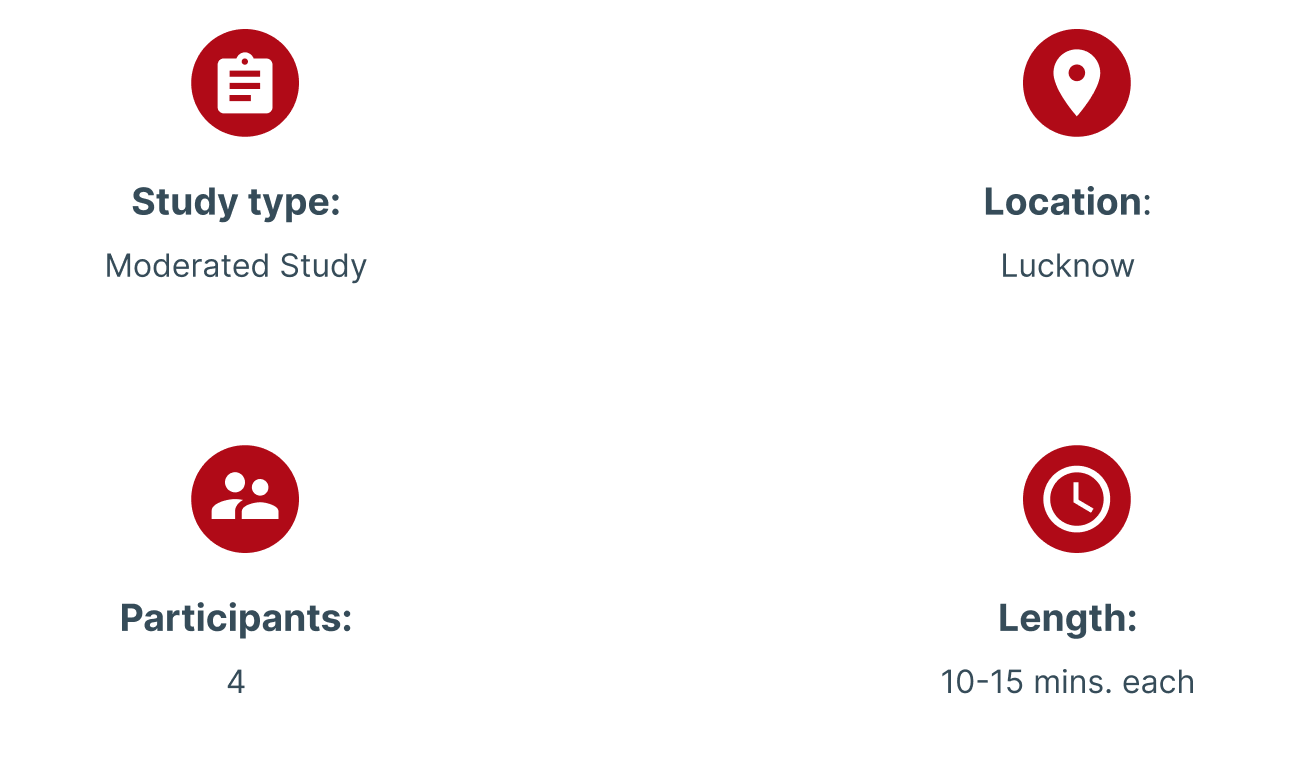
Parameters
Usability study: findings
After Usability Study, I figured out that the app interface is good but doesn't have Colors with good contrast which makes it less accessible. Hence, it won't be able to serve all kinds of users.
I decided to change the colour theme. When I started changing the interface colour, I learned there were more changes with icon sizes and login/sign up page.
In the end, it is more user friendly and more accessible which in return will serve many more users.
Updated Mock Up

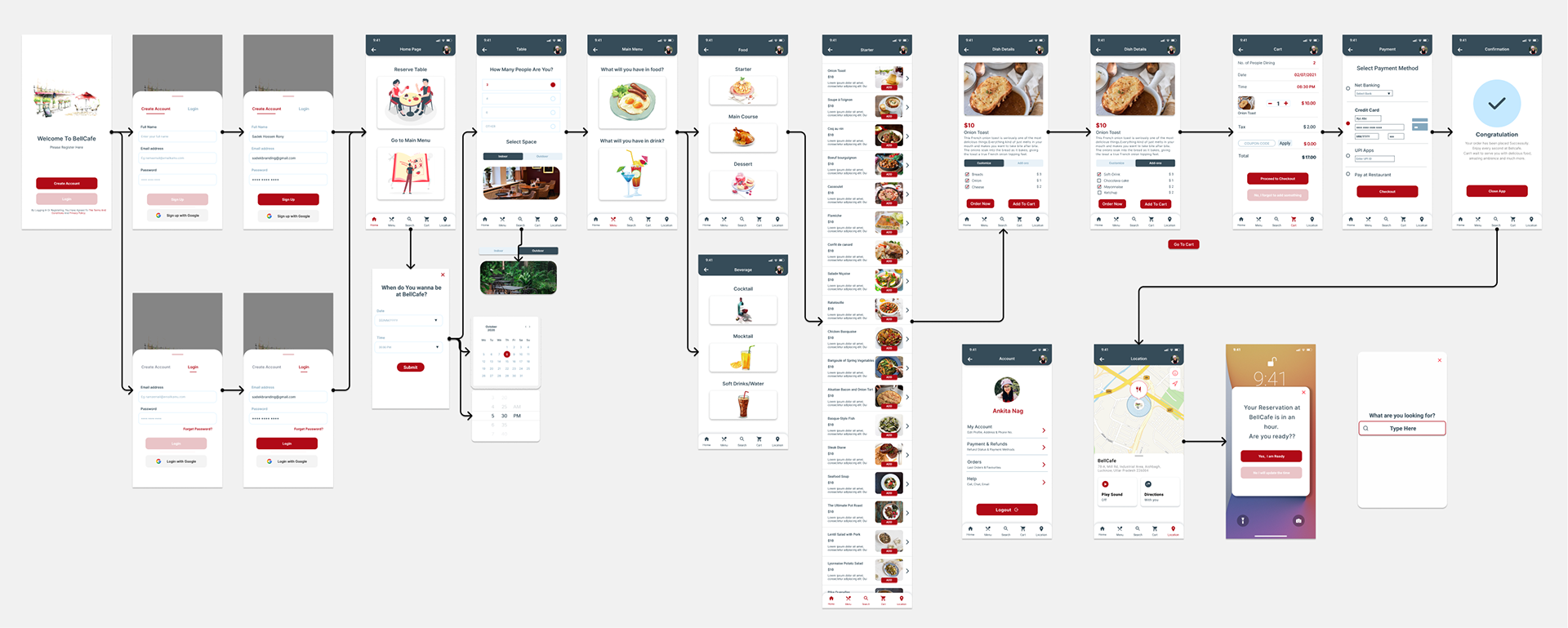
Accessibility Considerations

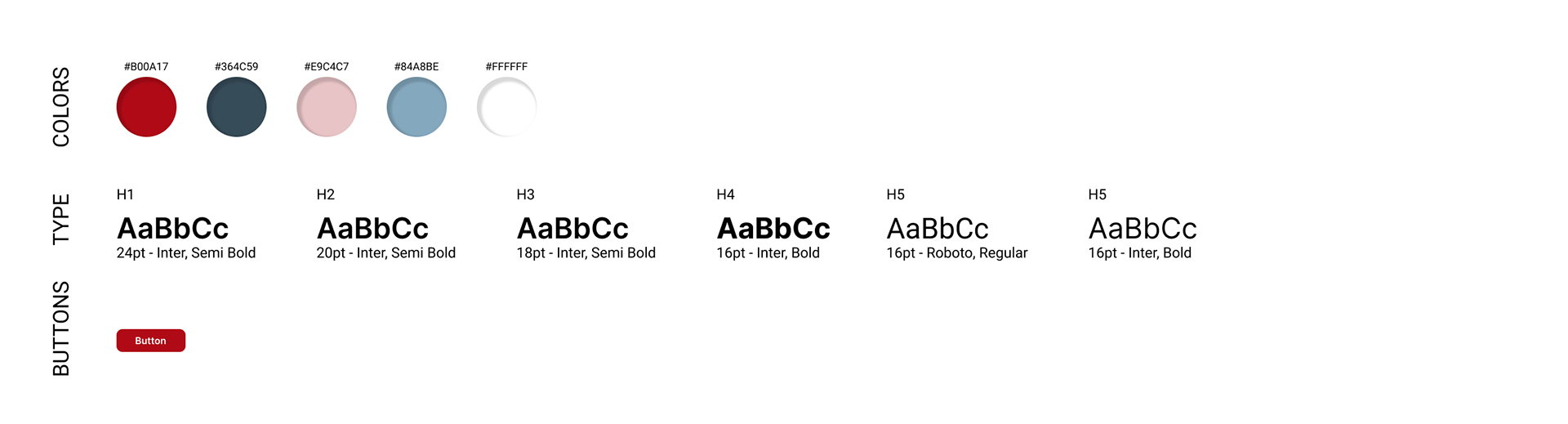
Style Guide
Takeaways
Impact:
BellCafe app makes users feel very happy that this will save a lot of their time and also they don’t have to wait much for anything.
One participant said:
“This app is the best. It will save my time and energy. Whenever I go out on weekends all my fav. places are overcrowded then I have to wait a lot for the table and the food, and that is very irritating. This app will make things easy for most of us.”
What I learned:
I learned that the design process is a must to design anything. It keeps you on track and let you focus on each and every aspect. In the end, it’s all about the user and user journey and it is our job to make it simpler and delightful.